
GTA 6 Filter
Put yourself on the cover.
Turn a selfie into loading screen art, a neon city poster, or a 5 to 10 second trailer. Preview the styles before spending credits.
Start with your photoCreate your cover
Choose a scene and add your photo.
Template preview
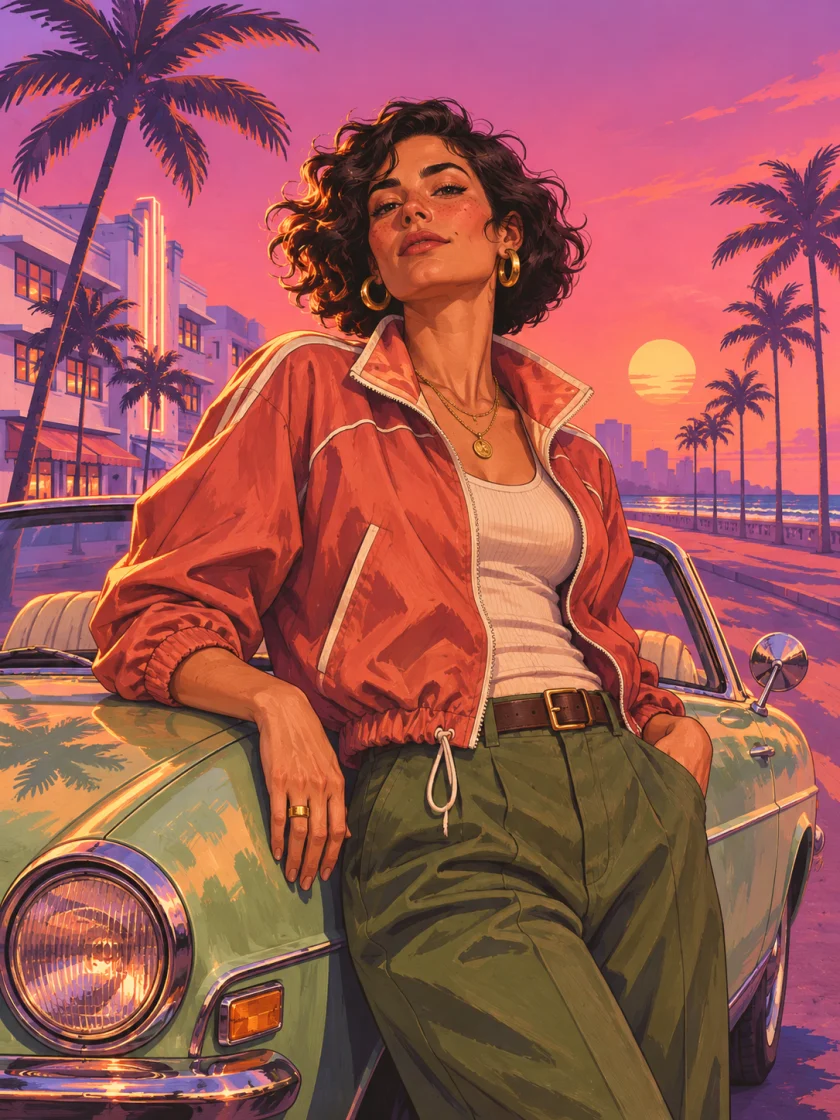
Loading Screen
A bold illustrated portrait at coastal sunset.
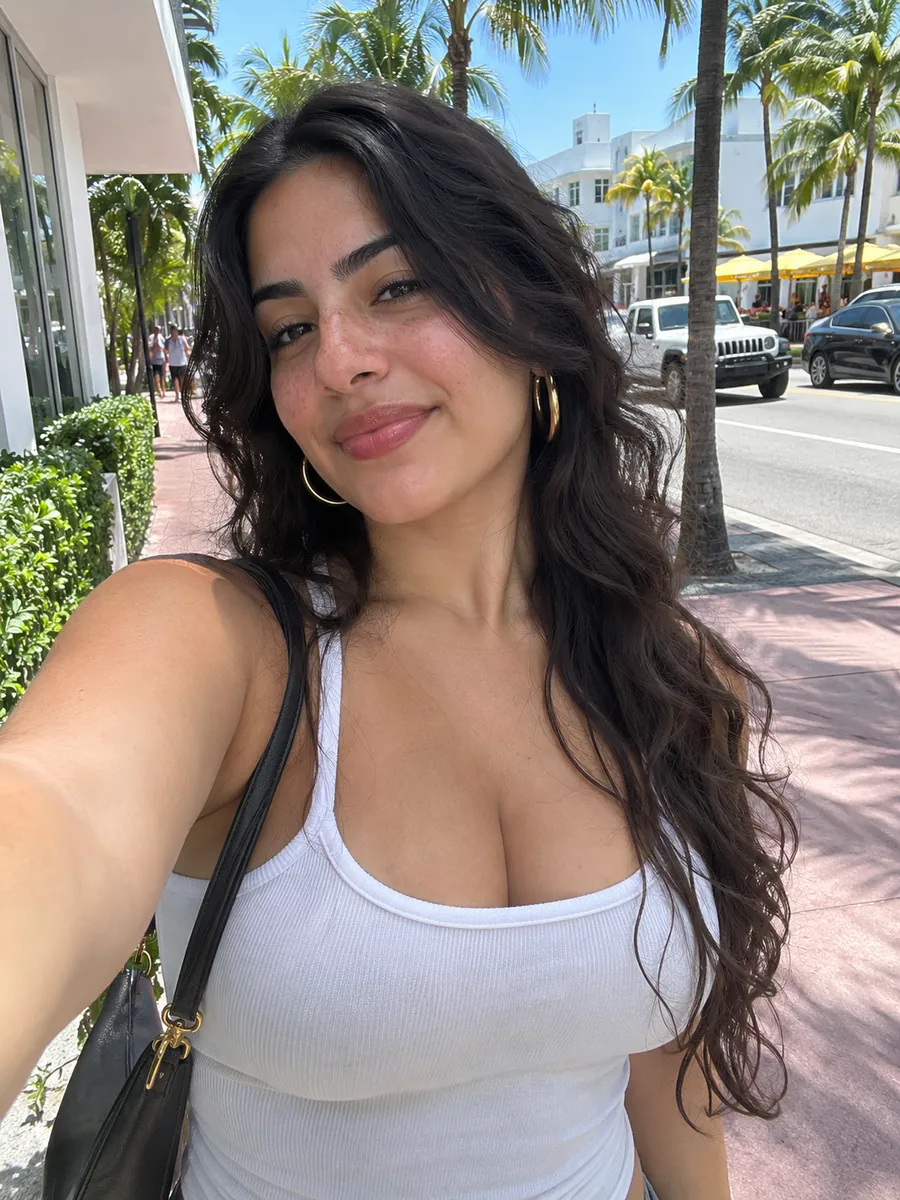
Before and after the filter
Drag the slider to compare, or select Before or After to see the full image. Switch styles to compare the lighting, framing, and background.
Try Loading Screen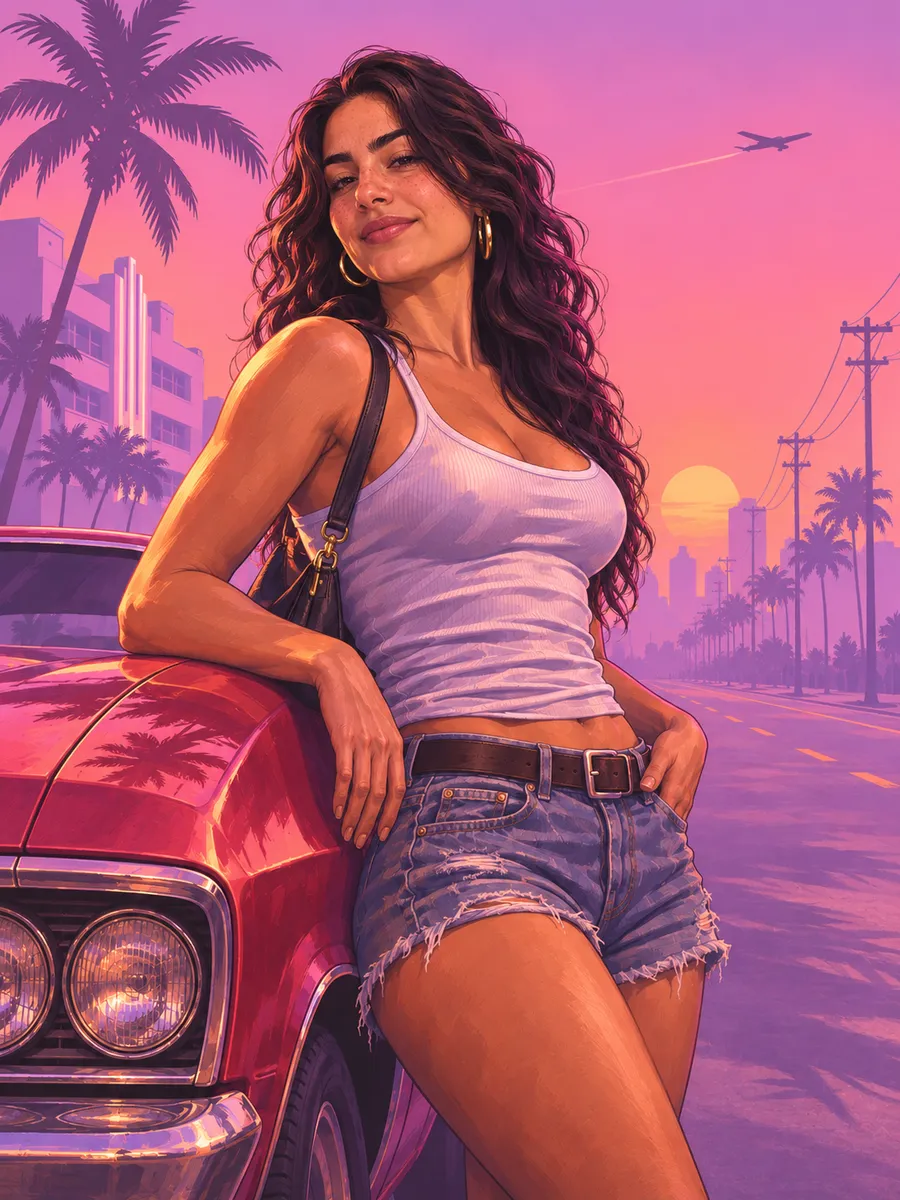
Explore GTA 6 style templates
Browse all templatesPhoto styles for posters and covers
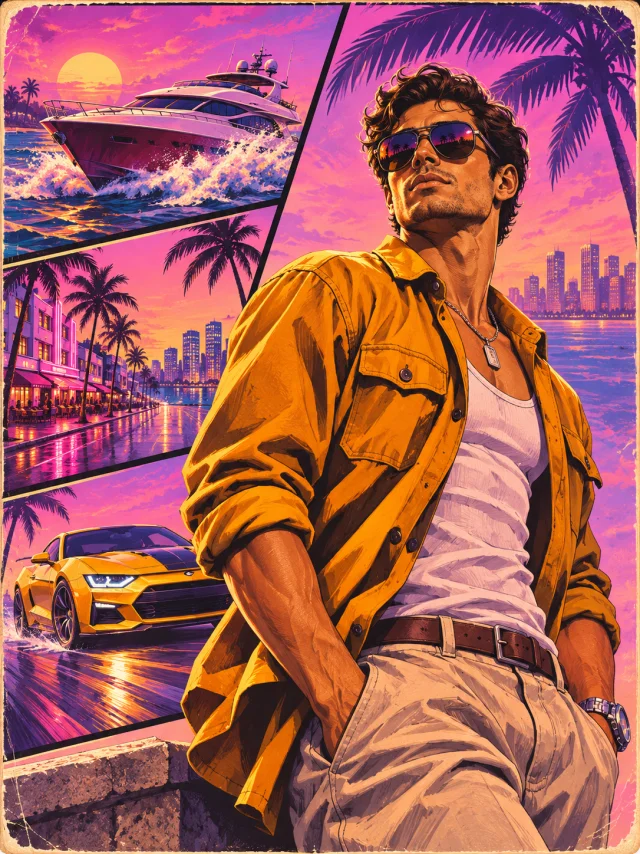
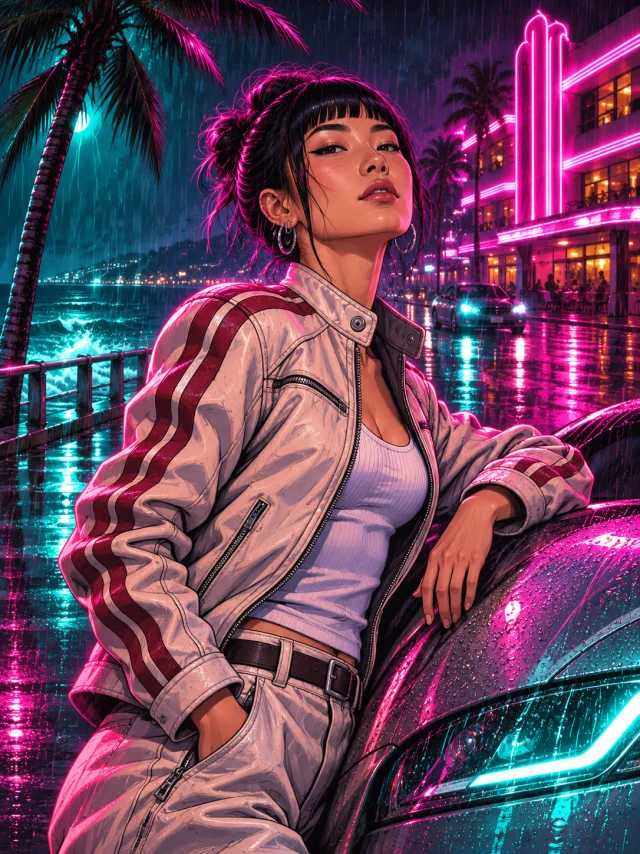
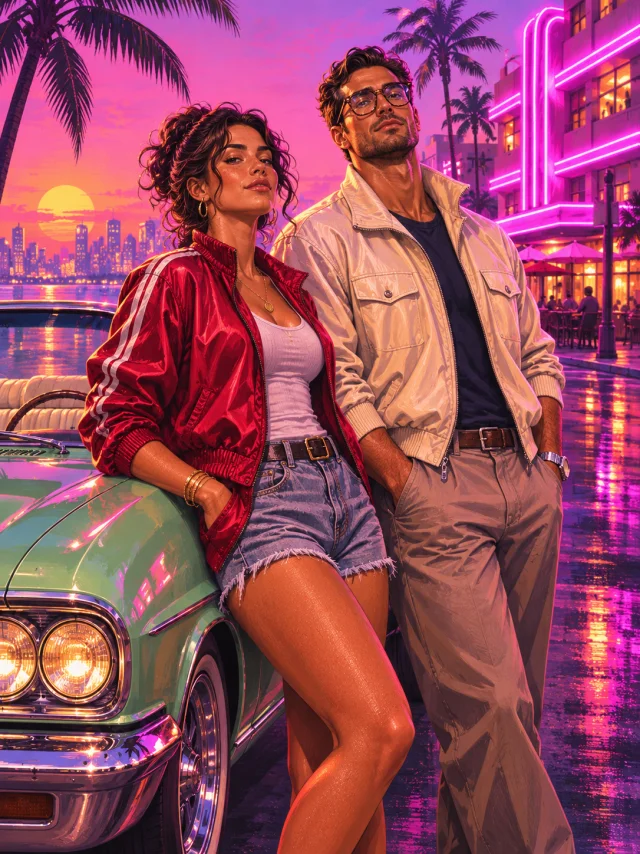
Video scenes from a single image
Choose a template for what you want to make
A profile picture
Start with Loading Screen and select 1:1. Use a front facing photo with room around your shoulders so your face stays clear in a circular crop.
Make a profile pictureA cover with a friend
Pick Couple Cover, upload one clear photo per person, and choose 3:4 for a portrait cover. Use Coastal Crew for three or four people.
Make a couple coverA short video for social media
Pick Trailer Shot. Use 9:16 for Reels, TikTok, or Shorts and 16:9 for a wide frame. Start with a 5 second clip to check the framing and motion.
Make a trailer clipA 1K image uses 20 credits. A 5 second Standard video at 480p uses 60. The studio shows the total for your settings before you generate.
View credit packsHow to use the GTA 6 Filter
Upload a clear reference
Use a well lit photo with your face visible. Use JPG, PNG, or WebP, up to 8 MB per file. For group styles, upload a separate photo for each person.
Set the framing and details
Choose the output ratio first. For an image, pick 1K or 2K. Add a short instruction such as “keep my jacket” or “warm sunset lighting” to guide the style.
Download it or make it move
Save the image from your result, or choose Make it a video to reuse it as the first frame. Videos are available at 480p or 720p with sound and a 5 or 10 second duration.
GTA 6 Filter FAQ
Can I try the GTA 6 Filter for free?
You can browse all template previews and play the video samples without signing in. Generating a result from your own photo uses credits.
Can I make a video from my poster?
Yes. Choose Make it a video from your poster to reuse it as the first frame. You can also upload a photo directly in Video mode.
What happens if generation fails?
Credits are returned automatically when a generation fails or times out.
How long can I download my results?
Your results are available for 30 days in My creations. Download the files you want to keep before the link expires.
Do I need a subscription?
Credits are purchased once and remain available for 365 days.
How many people can I put in one image?
Most styles use one photo. Couple Cover uses exactly two, and Coastal Crew accepts two to four. Upload one clear reference per person with their permission.
Who makes this filter?
Neon Cover is an independent AI photo and video tool for creating GTA 6 inspired fan artwork from your own photos.