

Loading Screen
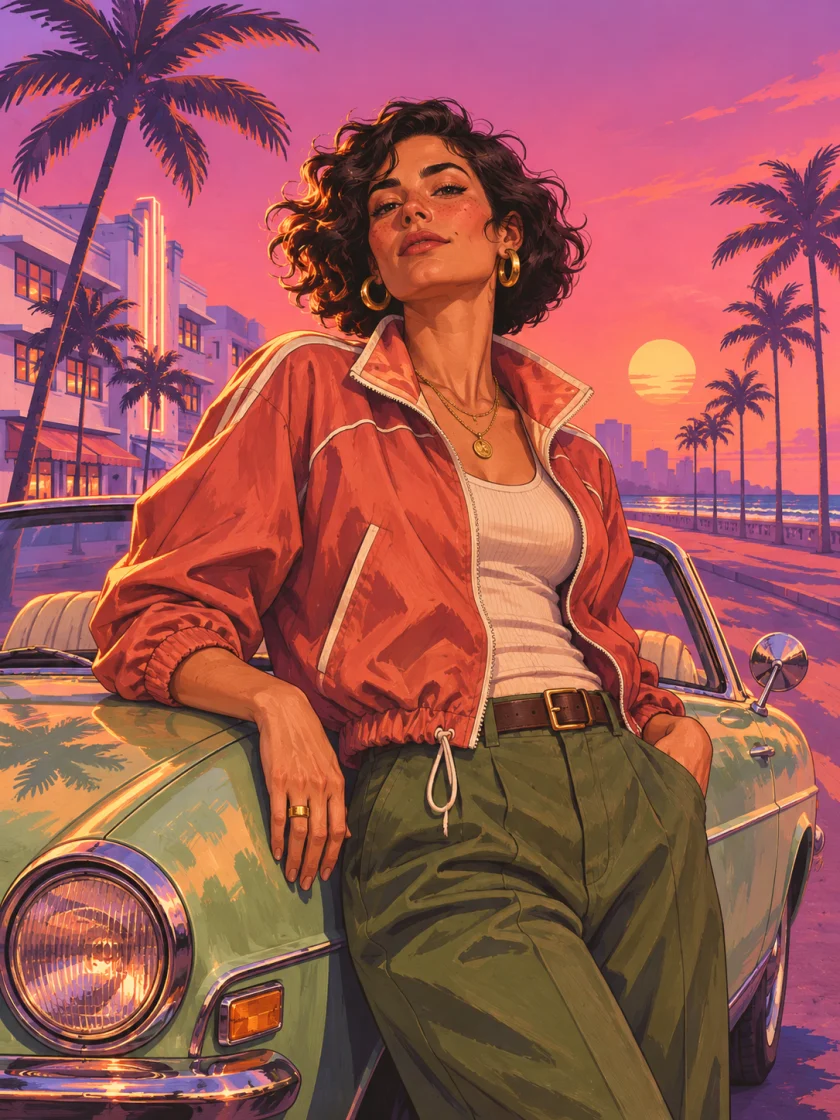
A bold illustrated portrait at coastal sunset.
Turn your photo into GTA 6-inspired cover art or a cinematic loading screen video.
Choose Photo or Video, select a style, and add your photo to get started.
A gentle stroll through neon and rain.
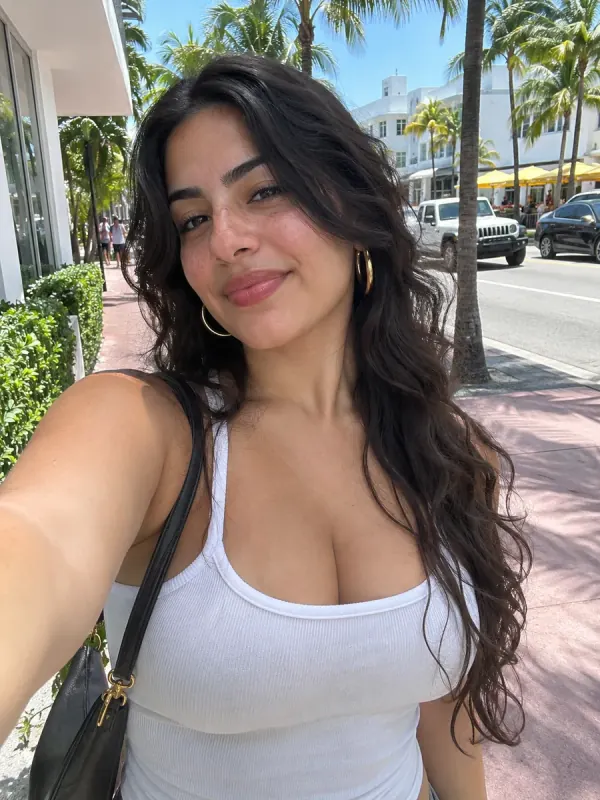
Compare four reference photos with illustrated style previews. Drag the slider or tap Before or After. Your results will vary with your photo and settings.
Try Loading Screen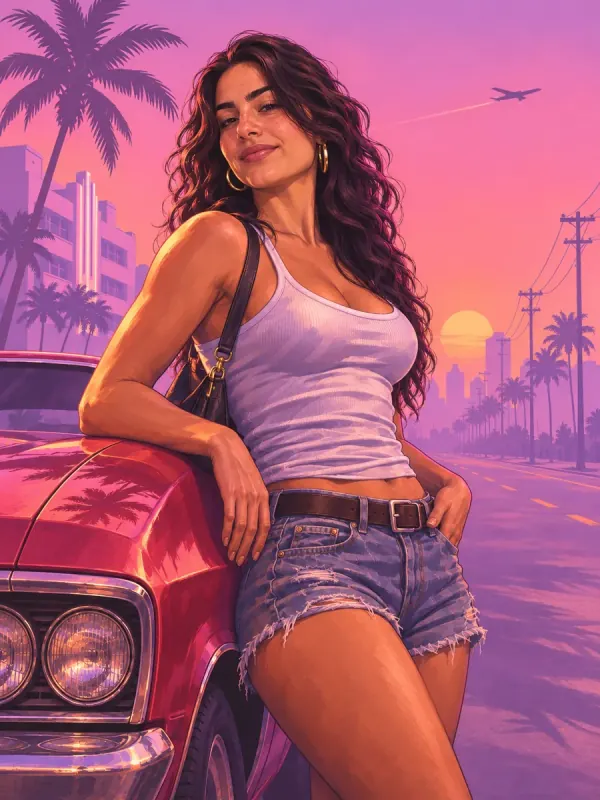
A bold illustrated portrait at coastal sunset.
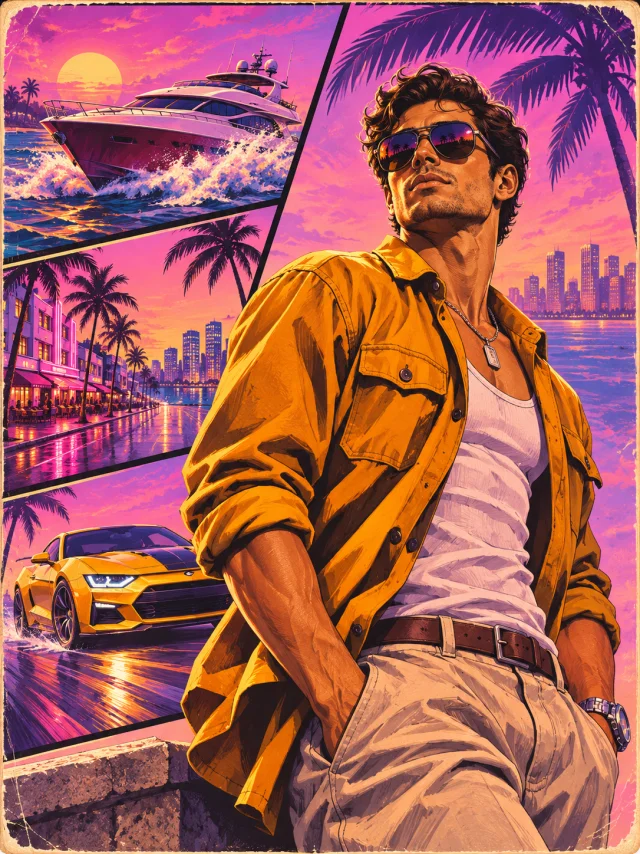
An illustrated comic cover with angular inset scenes.
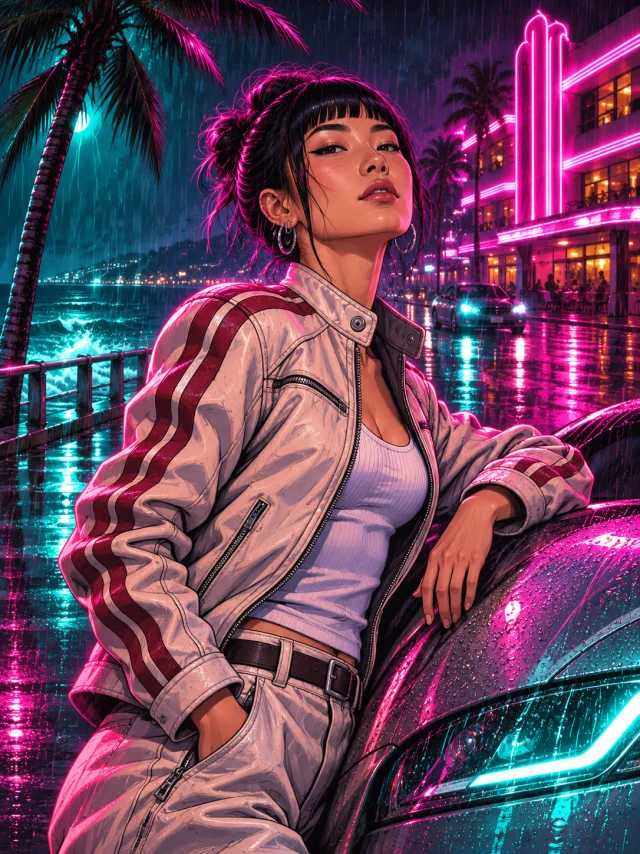
Cyan and pink reflections on a rainy boulevard.
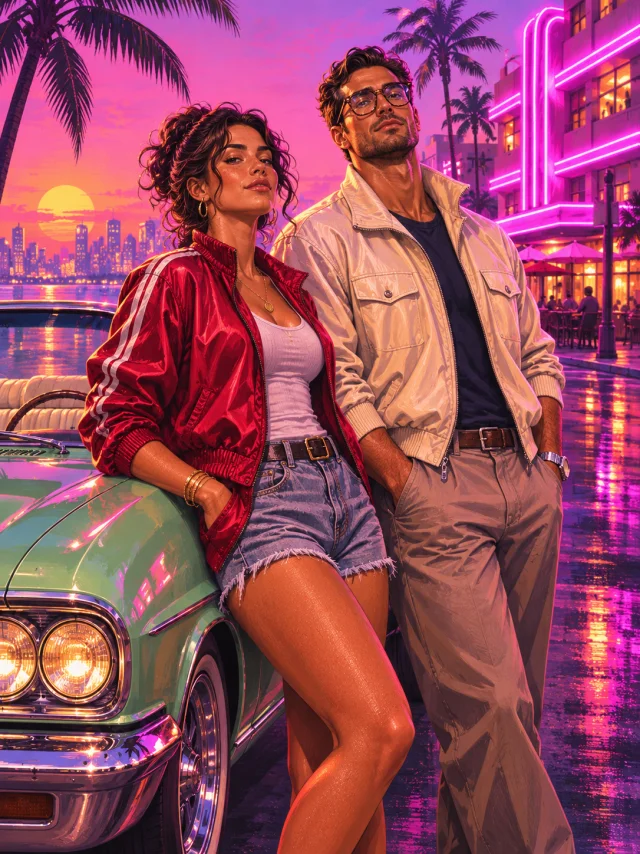
Two people together in an illustrated coastal cover.
A slow cinematic push in at sunset.
The whole group walks toward camera in slow motion.
Choose Photo or Video and pick a template. Upload a clear JPG, PNG, or WebP, up to 8 MB per file. For group photo styles, upload a separate photo for each person.
Set the aspect ratio and resolution. Use Optional details to request a change, such as “keep my jacket” or “warm sunset lighting.” Sign in and check the credit total before generating.
Select Download when your result is ready, or choose Make it a video to reuse a finished image as the first frame. Video mode makes 5- or 10-second clips with sound at 480p or 720p.
Choose Photo for a profile picture, a comic cover, or a still loading screen. Pick a style and upload the reference photos it asks for.
Download a 1K or 2K image. The file may be JPG, PNG, or WebP, depending on the result.
Explore Loading Screen artChoose Video for a moving scene. Upload one photo to create an illustrated first frame, or use Make it a video to animate a finished image from the studio.
Download a 5- or 10-second MP4 with sound at 480p or 720p.
AI Video FilterMake a Loading Screen image for your profile or turn it into a short clip for TikTok, Instagram Reels, or Shorts. Download your finished file from the studio, then upload it in the app where you want to post.
Start with Loading Screen and select 1:1. Use a front facing photo with room around your shoulders so your face stays clear in a circular crop.
Make a profile picturePick Couple Cover, upload one clear photo per person, and choose 3:4 for a portrait cover. Use Coastal Crew for three or four people.
Make a couple coverChoose Trailer Shot in Video mode or select Make it a video on a finished Loading Screen image. Pick 9:16 for a vertical clip or 16:9 for a wide frame.
Make a trailer clipA 1K image uses 20 credits. A 5 second Standard video at 480p uses 60. The studio shows the total for your settings before you generate.
View credit packsIt is a browser-based AI tool that turns your photos into illustrated loading screen art, comic covers, or short video scenes inspired by GTA 6.
Create a video in the browser using a 9:16 aspect ratio. Download the finished MP4 and upload it in TikTok. You do not need CapCut to generate the clip.
Open Photo mode, choose Loading Screen or another style, and upload a clear photo. Pick your aspect ratio and resolution, then generate using credits.
Yes. Generate a Loading Screen image in Photo mode, then select Make it a video to use it as the first frame. You can also upload one photo directly in Video mode.
The studio runs in a mobile browser, so you can open it without downloading an app. Choose a JPG, PNG, or WebP photo from your phone.
You can browse photo previews and play video samples without signing in. Generating a result from your own photo uses credits. Check the cost in the studio before you generate.
Yes. Select Download when your result is ready or reopen it in My creations. Results are available for 30 days, so download the files you want to keep.
Credits are returned automatically when a generation fails or times out.
Credit packs are one-time purchases. They can be used for both photo and video generation and are valid for 365 days.
Most styles use one photo. Couple Cover uses exactly two, and Coastal Crew accepts two to four. Upload one clear reference per person with their permission.
GTA 6 Filter is an independent AI photo and video tool for creating GTA 6 inspired fan artwork from your own photos.